
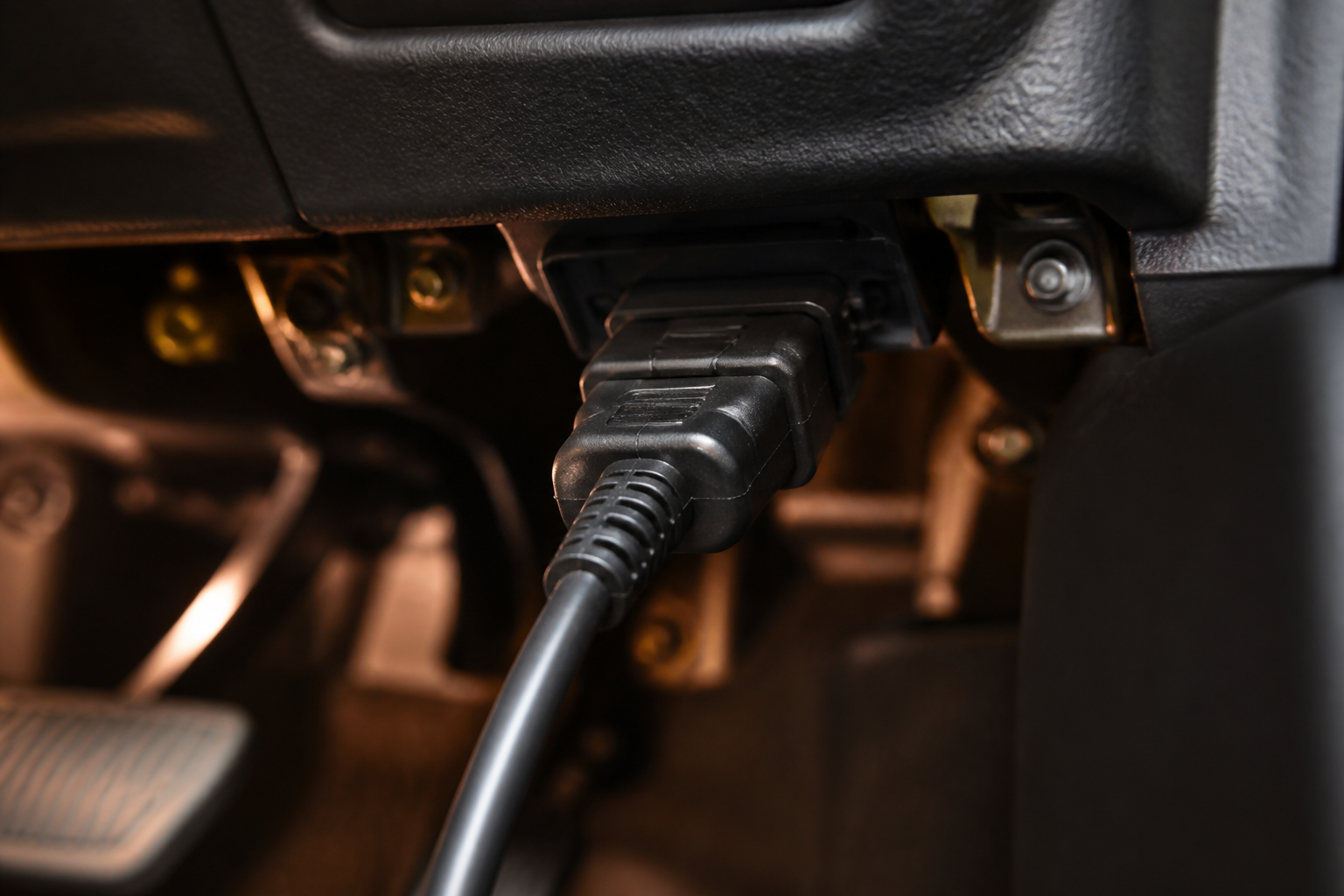
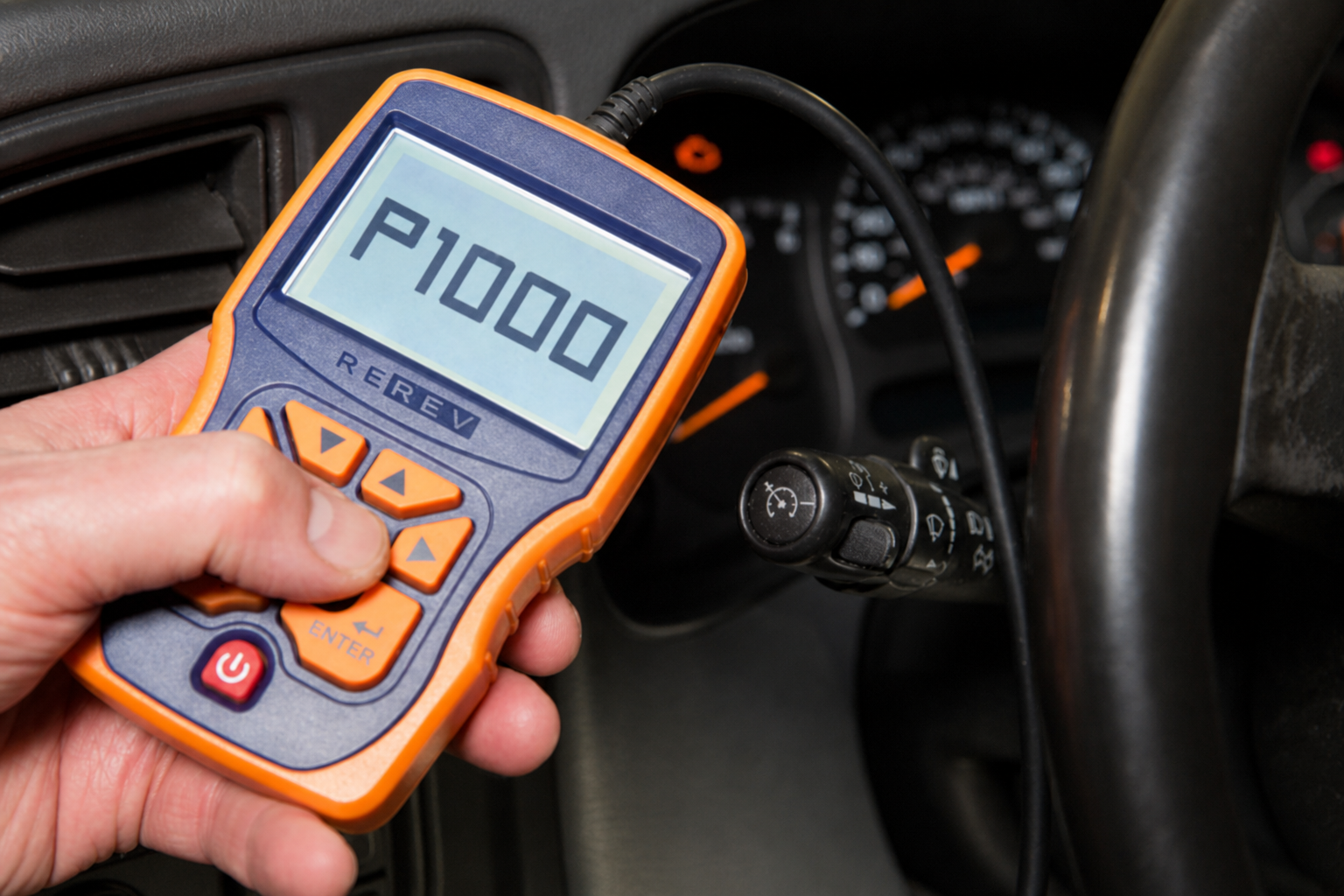
What P1000 means on Ford
Keep these ideas separate: a DTC, a readiness monitor, a permanent DTC, the MIL, pending vs stored codes, a drive cycle, and inspection readiness. A readiness flag is not the same thing as a component fault code.
P1000 is commonly used by Ford to indicate incomplete OBD monitor testing. That is why it shows up after memory is lost or codes are cleared: the PCM has to run its required monitors again.
Is P1000 a fault?
P1000 reports that required self-tests are not complete. A separate malfunction may prevent a monitor from finishing, but P1000 itself does not identify that malfunction. If the MIL is on, or pending/stored codes exist besides P1000, those findings are the diagnostic priority.
Do not parts-cannon from P1000
Why it appears
- Battery disconnected, replaced, or fully discharged
- Codes cleared with a scan tool
- PCM reset, reprogramming, or replacement
- Monitors not yet enabled after repairs
- A related fault keeping a specific monitor from completing
Readiness monitor status
Scan tools list monitors as complete/ready, incomplete/not ready, or not supported. Unsupported monitors are not failures. See the readiness monitors guide for typical Ford groupings.
What to check first
- Confirm P1000 and record pending, stored, and permanent DTCs.
- Note MIL commanded on/off.
- List which monitors are incomplete vs not supported.
- Ask whether a reset just happened.
- Do not keep clearing codes to “make P1000 go away.”
Practical walkthrough: How to fix P1000 and scan-tool readiness.

What to do next
P1000 decision flow
Accessible step flow — not an image-only diagram. It is a starting path, not a guaranteed diagnosis.
Start
P1000 appears on a Ford scan.
Was the battery disconnected, or were codes recently cleared / was the PCM reset?
Yes
- Check readiness monitors and any other DTCs.
- Use mixed, model-appropriate driving — not a universal mileage claim.
- Recheck monitors. See after battery disconnect or after clearing codes.
No
- Check pending, stored, and permanent DTCs besides P1000.
- Identify which monitor remains incomplete.
- Verify enabling conditions and diagnose any blocking fault. See P1000 won’t clear.
Scan tool · example
Ford OBD Status
Illustrative screen — not a live reading from your vehicle.
- MILOFF
- P1000PRESENT
- CATREADY
- EVAPNOT READY
- O2SREADY
- FUELREADY
P1000 can be present while the MIL is off. Read the monitors, not only the code list.
Drive-cycle explanation
A drive cycle is the set of operating conditions a monitor needs — not a single guaranteed road recipe for every Ford. Cold start, steady cruise, acceleration, deceleration, fuel level, and ambient temperature can all matter. Details: Ford drive cycle.

No universal mileage claim
When it should clear
P1000 typically drops out once required monitors complete and the PCM no longer reports incomplete readiness. Timing is not a published nationwide mileage. If only P1000 is present after a documented reset, mixed driving plus a recheck is the usual path — not repeated battery disconnects.
Why it may not clear
Incomplete EVAP, a pending fuel or catalyst code, missed enable conditions, or a recent second reset can keep P1000 around. Troubleshoot with the won’t-clear guide.
Emissions / smog implications
Inspection programs look at readiness. Rules differ by state and can change. This site does not claim you will pass or fail with one incomplete monitor. See P1000 and smog check.
Model-specific pages
Use a model page when you need Ford-family context without duplicating this pillar article.
Related DTC considerations
Codes found with readiness issues — catalyst, EVAP, fuel, O2 heater, EGR — can block a monitor. They are not synonyms for P1000. Browse reviewed entries in the DTC library.
Owner case summaries
Moderated owner reports will appear here after review. None are seeded as fake cases. Share a case or read the owner-case policy.
FAQs
By itself, P1000 is usually a readiness-status code, not a failed-part diagnosis. Severity rises if another DTC is present, the MIL is commanded on, or the vehicle has drivability symptoms.
Sources / fact-check
Technical claims follow official and regulatory sources first. Research method: How we research.
This site provides general diagnostic information. Vehicle procedures vary by model, year, engine, and calibration. Follow Ford service information and local regulations, and use a qualified technician when diagnosis or repair exceeds your experience.