
Scan data
How to Read Ford Scan-Tool Readiness
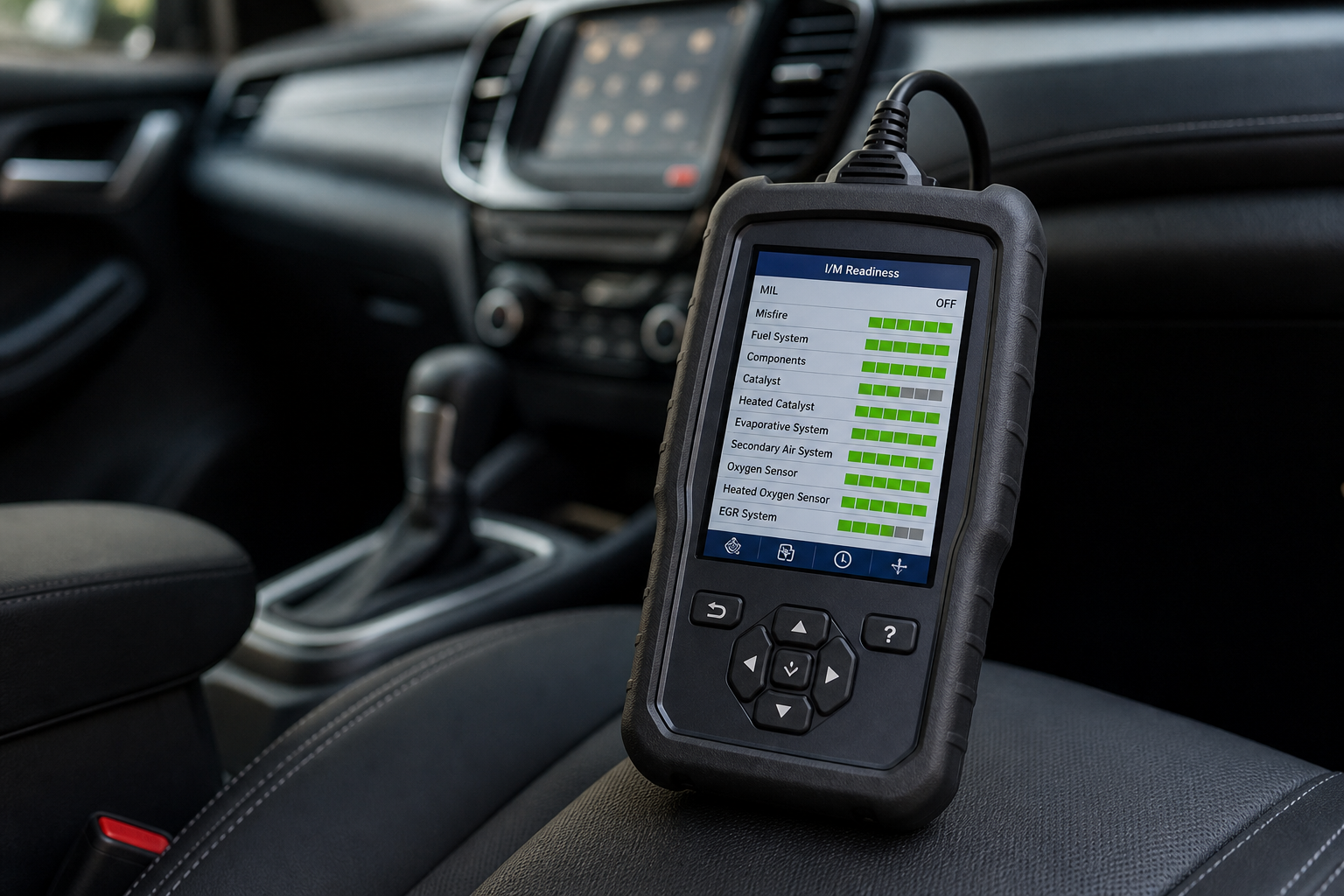
You do not need a particular brand. You do need to read more than the code list: MIL, pending vs stored vs permanent, monitors, and freeze-frame.
Keep the types distinct
- MIL / check engine lamp — commanded on or off. P1000 can exist with MIL off.
- Stored DTC — matured fault memory.
- Pending DTC — a concern that has not necessarily matured.
- Permanent DTC — a fault category that does not clear the same way as a simple erase; not the same as a readiness bit.
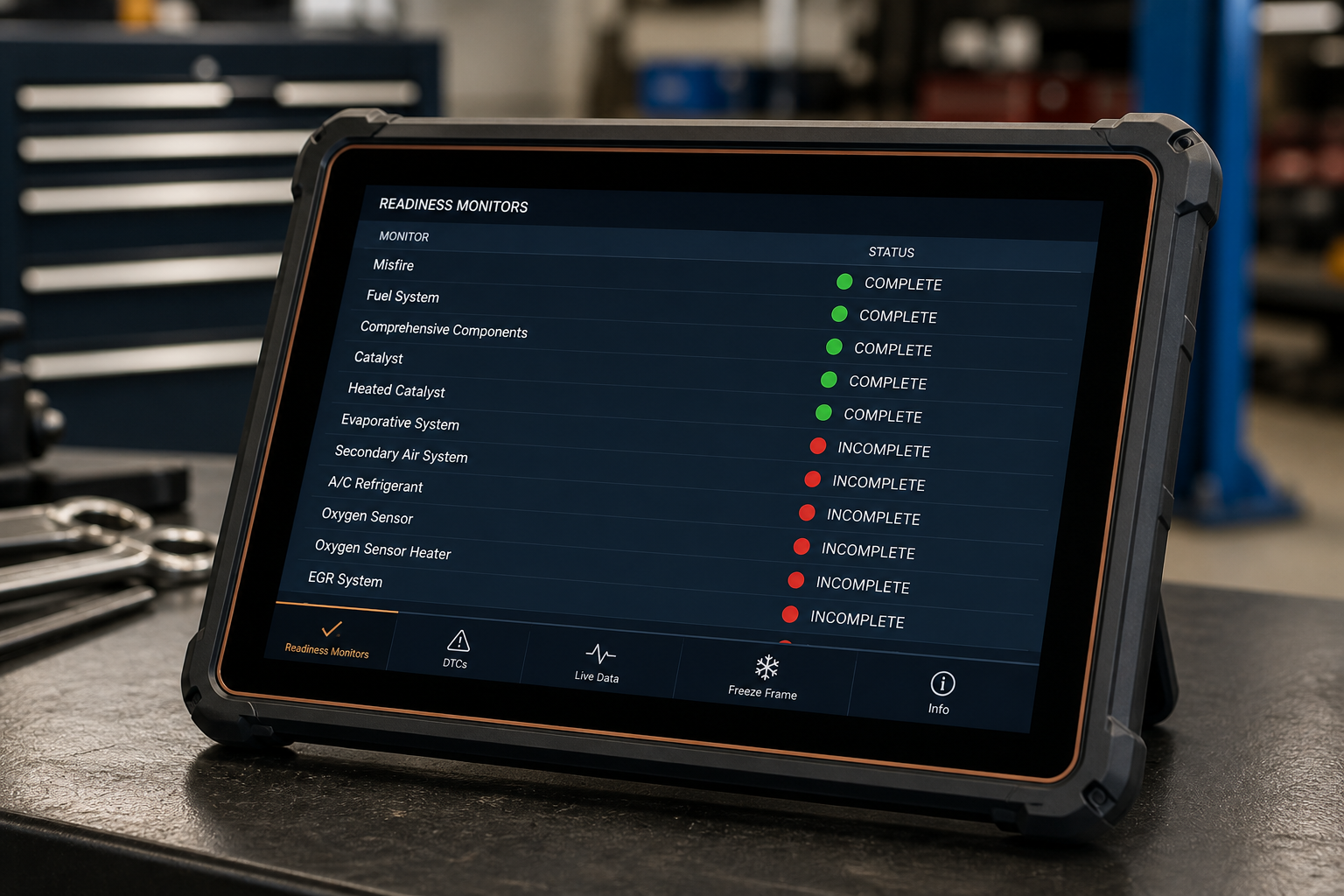
- Readiness monitors — test-complete flags.
- Freeze-frame — snapshot of conditions when a fault was recorded.
Example interpretation
Scan tool · example
Ford OBD Status
Illustrative screen — not a live reading from your vehicle.
- MILOFF
- P1000PRESENT
- CATREADY
- EVAPNOT READY
- O2SREADY
- FUELREADY
P1000 can be present while the MIL is off. Read the monitors, not only the code list.
No required brand
Generic OBD-II tools can show readiness. Enhanced Ford data may add PID names. Neither “clears P1000 permanently” by erasing codes.

This site provides general diagnostic information. Vehicle procedures vary by model, year, engine, and calibration. Follow Ford service information and local regulations, and use a qualified technician when diagnosis or repair exceeds your experience.